cTrader Copy Trading on IC Markets for Beginners
Using cTrader Copy on IC Markets: preparing the account and CTID, eight steps to start copying, choosing a strategy by drawdown and managing capital afterwards.
Not every trader has the time or experience to analyse the market and place each order personally. For that group, copy trading, meaning replicating someone else's trades, is an option worth considering. On the cTrader platform, the cTrader Copy feature lets a trader pick a publicly listed strategy, set aside a chosen amount of capital and let the system repeat that strategy's trades automatically.
The sections that follow move from the concept, through how cTrader Copy works and what to prepare at IC Markets, to the eight steps for starting to copy. The final part covers how to choose a strategy, how to manage the account after copying begins and whether copy trading suits beginners. Rebates on IC Markets trading are explained separately in IC Markets backcom.
What cTrader copy trading is
cTrader copy trading means replicating trades from strategies available in the cTrader Copy area. Once a trader chooses to copy a strategy, the copy account opens and closes positions in line with that strategy's activity, without the trader clicking each order.
The system has two roles. The person who creates and runs a strategy is called the Strategy Provider and trades on their own account. The person copying is called an investor or follower; they choose a strategy that seems suitable and let the system copy it according to the capital allocated.
The key point is that the trader does not directly decide each trade in the copied strategy. Before starting, therefore, the trader needs to examine the provider's performance, risk level, fees and trading style closely.
In general, cTrader copy trading suits people who match at least one of the following:
- want to learn from other traders' strategies;
- do not have much time to trade on their own;
- want to try a more automated way of trading;
- want an additional way of approaching the market alongside their current one;
- already understand that copying trades can still lose money.
The last condition matters most, because it decides whether the trader can stay calm when a strategy goes through a bad patch. Anyone not yet comfortable with that should practise on a demo account first.
How cTrader Copy works
In terms of operation, cTrader Copy is fairly simple. The trader logs in to cTrader, opens the Copy section, browses the list of strategies, picks one, enters an amount of capital and clicks to start copying.
From then on, whenever the Strategy Provider opens a position, the copy account may open a matching position in proportion to capital or under the platform's allocation mechanism. Likewise, when the provider closes a position, the copy account closes the corresponding one.
However, the trader's position size is not necessarily identical to the source account. The platform calculates it from the capital allocated, the equity (account value including the profit or loss on open positions), the minimum investment and each strategy's own conditions. In other words, copy trading is not about duplicating someone's exact lot sizes but about joining a strategy in proportion to one's own capital.
Preparing before copying
Having the right account and understanding the basic conditions helps traders avoid common problems such as being unable to copy, not seeing strategies or allocating capital incorrectly. Four things need to be ready.
An IC Markets account on cTrader
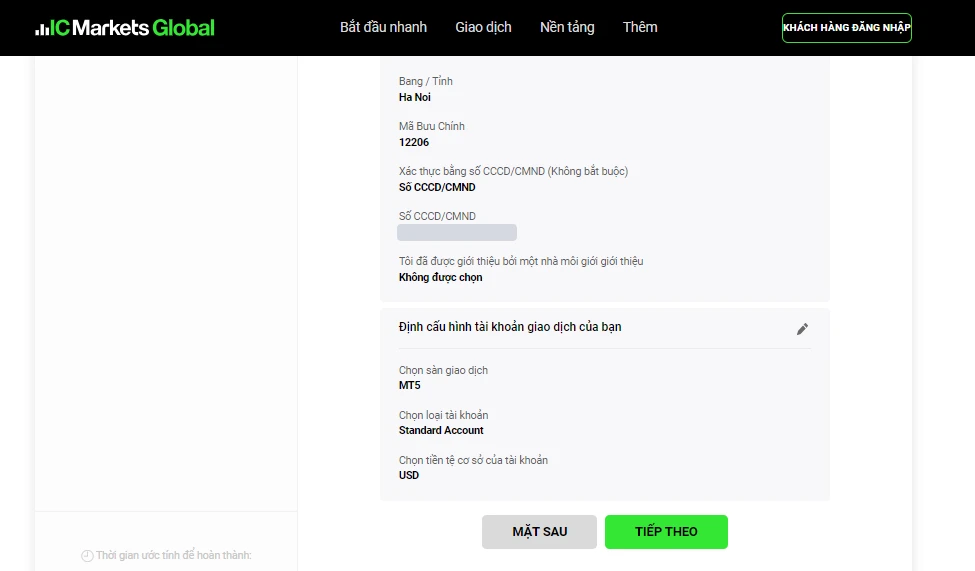
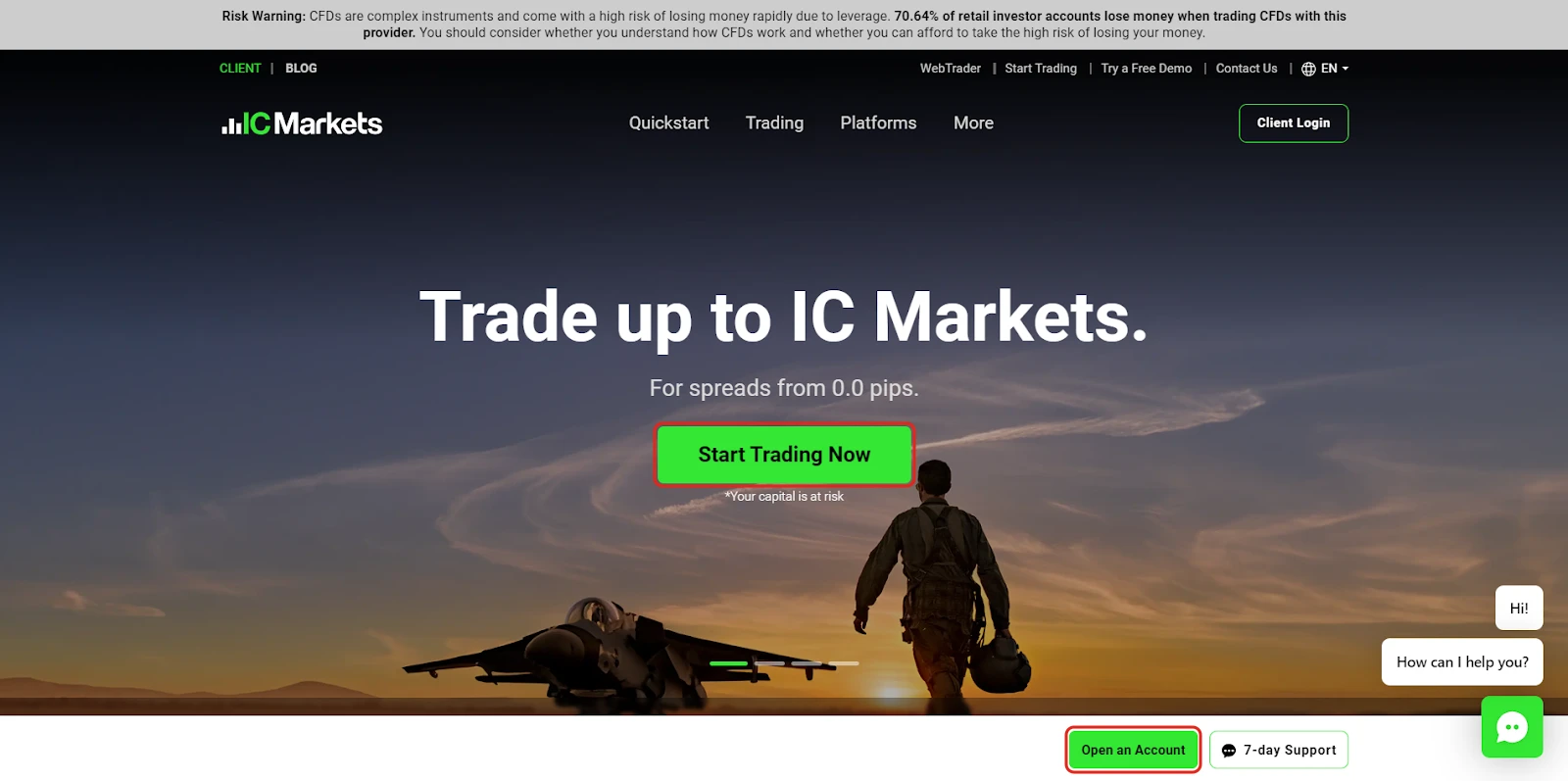
To use cTrader Copy at IC Markets, the trader needs an account on the cTrader platform. Those without one open a new IC Markets account and choose cTrader at the platform configuration step, alongside the MetaTrader 4 and MetaTrader 5 options.
Traders who want to open an IC Markets account through BackcomHub can use the IC Markets sign-up button on the home page, with partner code 91994. BackcomHub is an IB of the brokers listed on the site, IC Markets included, and receives IB commission from them. Rates and conditions are set out in IC Markets rebates.
cTrader ID
cTrader uses its own login called the cTrader ID, or CTID. This is the shared credential for cTrader Web, cTrader Desktop, cTrader Mobile and cTrader Copy, so it needs activating from the start.
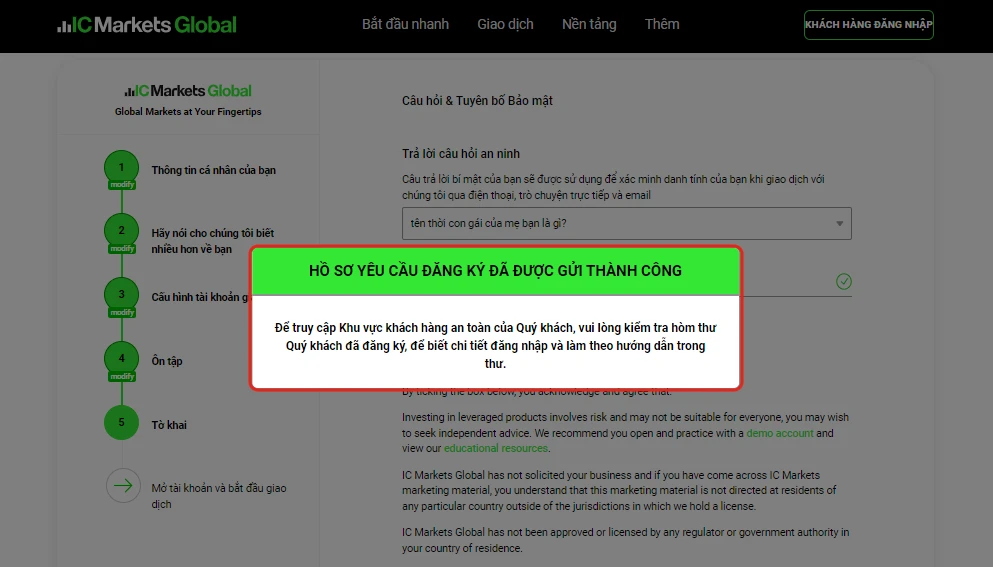
After opening a cTrader account, the trader should go to the registered inbox to confirm the CTID and set a password. Skipping this step often leads to login failures, or to logging in and not seeing the account on the platform.
Demo or live account
Beginners should start with a demo account, which uses virtual money. On demo, the trader can practise opening the Copy section, browsing strategies, filling in the Amount field, clicking Start Copying and stopping a copy without risking real funds.
Only once the steps feel familiar and the platform's behaviour is understood should the trader move to a live account with a small amount. The first copy should never use all available capital.
Capital set aside for copying
All capital should not go into a single strategy. Even when a strategy has an attractive track record, the possibility of future losses always remains.
A more sensible approach is to start small and observe for a while. Only when the strategy genuinely fits the trader's risk tolerance is it worth considering more capital.
Eight steps to start copying
Once the account, CTID and capital are ready, copying takes eight steps. The order that follows runs from logging in to the first copied trade.
Step 1: Log in to cTrader
First, the trader logs in to cTrader with the confirmed email or cTrader ID. The platform comes in three versions: cTrader Web in a browser, cTrader Desktop on a computer and cTrader Mobile on a phone.
If login fails, the trader should check four points in turn:
- the email used for registration;
- the cTrader ID password;
- whether the account was actually created on the cTrader platform;
- whether a different email is being used by mistake.
If the problem persists after all that, the trader can ask BackcomHub via the Telegram or email listed on the home page for further guidance. In many cases, simply going back to confirm the CTID by email, as described in the preparation section, solves the login problem.
Step 2: Open the Copy section
After logging in, the trader finds the Copy section in the cTrader interface. This area is dedicated to copying and sits apart from the regular trading screen.
Step 3: Browse the strategy list
Inside Copy, the platform shows the strategies currently accepting copiers. Each one usually displays its name, performance, number of copiers, capital being copied, time active, fees and some risk indicators.
The strategy at the top of the profit ranking is not necessarily a good choice. High returns look attractive, but if they come with a large drawdown or a very short history, the risk is correspondingly high.
Step 4: Filter by criteria
Where the platform offers filters, the trader can narrow the list by basic criteria such as:
- past returns;
- drawdown;
- time active;
- number of copiers;
- total capital being copied;
- fee level;
- account type;
- trading style.
Filtering first makes the list shorter and reduces choices made on impulse. The strategies left after filtering become the candidates to study closely in the next step.
Step 5: Study the strategy profile
With a few candidates in hand, the trader clicks into each strategy's profile for the details. This is the most important step before copying, and it should answer these questions:
- how long the strategy has been running;
- whether returns are steady or erratic;
- the largest drawdown so far;
- how long the provider usually holds positions;
- which instruments the strategy trades;
- whether the provider often holds losing positions hoping for a reversal;
- what the history of winning and losing trades looks like;
- the copy-trading fee;
- the minimum amount needed to start copying.
If the strategy's trading style is still unclear, the trader should not rush to copy it. In that case it is better to watch the profile for a while longer or look for a strategy that is easier to understand.
Step 6: Click Start Copying
Once a strategy has been chosen, the trader clicks Start Copying. The system then usually asks which account to copy with and how much to allocate.
Step 7: Enter the amount
In the Amount field, the trader enters the capital to commit to this strategy. Some strategies set a minimum, so the trader needs to check it before confirming. For beginners, the amount here should be small, just enough to watch the strategy perform in real market conditions.
Step 8: Confirm
After reviewing everything, the trader confirms, and from that moment the copy account starts replicating under the platform's mechanism. Even so, a trade does not always appear immediately after confirmation. If the Strategy Provider has not opened a new position, or there is no suitable position to copy, the copy account may not show any trades yet.
Choosing a suitable strategy
Strategy selection is the single most decisive part of copy trading. A strategy with high returns but high risk can make an account drop sharply in a short time, so at least four aspects deserve attention.
Profit is only one part
High profit attracts beginners most easily, but it should not be the only criterion. A strategy may grow very fast because of large lot sizes, because it holds losing trades, or simply because it ran during a favourable market phase. The profit figure therefore needs to be read alongside drawdown, time active and trade history.
Drawdown
Drawdown is the decline in an account from its highest peak to its lowest trough during trading. A strategy with too large a drawdown will not suit someone with low risk tolerance. For example, a trader who cannot stomach the account falling 20–30% should not pick a strategy that has already dropped that far, however high its returns.
A long enough history
The longer a strategy has run, the more data there is to judge it. A strategy that is only a few days or weeks old, by contrast, is not yet reliable because it has not been through enough different market conditions. The safer choice is a strategy with a long history, steady growth and no unusual swings.
Trading style
Every Strategy Provider has a style of their own. Some scalp very short moves, some trade within the day, others hold positions longer, and each style carries its own volatility. Traders should choose a style that fits their temperament; anyone who dislikes sharp swings should avoid strategies that trade very often, use large volume or regularly hold losing positions.
Managing the account after copying
Starting to copy does not mean the account can be left alone. Copy trading still needs regular monitoring and capital management, built around four tasks.
Regular monitoring
The trader should check the copy account on a fixed schedule to see how the strategy is doing. The figures to watch include:
- current profit or loss;
- equity;
- drawdown;
- open positions;
- fees incurred;
- capital currently allocated;
- whether the trading style has changed.
When a strategy starts taking more risk than it did at the outset, the trader should consider reducing capital or stopping the copy. Comparing regularly against the figures from the start makes such a shift easier to spot early.
Adding capital with Add Funds
If the strategy is performing steadily and the trader wants to raise the copied amount, the platform's Add Funds feature tops up the allocation. Still, a few winning trades in a row are not reason enough to add more; the trader should observe for long enough before deciding.
Withdrawing with Remove Funds
Conversely, to reduce risk the trader can use Remove Funds to take part of the capital out of the copy account. Before doing so, the trader should look at open positions, because changing the capital can change the copy ratio.
Stopping with Stop Copying
When a strategy no longer fits, drawdown exceeds what the trader can bear, or the trader wants to stop entirely, Stop Copying ends the copy. Before clicking it, the trader should read the platform's notice, because open positions may be handled under cTrader Copy's own rules.
Is copy trading right for beginners?
cTrader copy trading can suit beginners when used correctly. Through it, newcomers can see how strategy providers enter and manage trades and how performance shifts with the market.
Beginners are also prone to mistakes, however, because they trust past returns too much. Picking a strategy purely for a high ROI, or return on investment, while ignoring drawdown, fees and trade history can be very risky. Beginners should therefore keep to six principles:
- try on a demo account first where possible;
- start with a small amount;
- avoid copying too many strategies at once;
- never put all capital into one strategy;
- monitor the account regularly;
- stop copying once a strategy exceeds the risk limit set.
Ultimately, copy trading is a support tool. It cannot replace learning money management and understanding the market, foundations covered in forex leverage for beginners and lots, pips and pip value.
Frequently asked questions
Does cTrader copy trading guarantee profit?
No. Copying trades does not guarantee a profit, and a strategy that has done well before can still lose money in the future.
Can several strategies be copied at once?
Yes, depending on capital and account conditions. Even so, traders should not copy too many strategies before they can control the total risk of the whole account.
How does copy trading differ from trading alone?
When trading alone, the trader analyses, places orders and manages risk personally. With copy trading, the trader chooses someone else's strategy, and entries and exits are replicated by the system under the platform's mechanism.
Key points
The cTrader copy trading process comes down to a few actions: log in to cTrader, open Copy, browse the strategy list, choose a suitable strategy, enter the capital, click Start Copying and then monitor the account. What decides the outcome, though, is how the strategy is chosen and how risk is managed. Specifically, traders should not pick a strategy just for high profit, should not put all capital into one strategy and should not leave the account unattended after copying.
For help opening a cTrader account at IC Markets, confirming a CTID, logging in to cTrader Copy or understanding how to filter strategies, traders can contact BackcomHub via the Telegram or email listed on the home page. Even so, the decision about which strategy to copy, and with how much capital, remains the trader's own.
Sources
- IC Markets, official website: https://www.icmarkets.com/
- cTrader, official website: https://ctrader.com/
- DCtoptrade (screenshots): https://dctoptrade.vn/