The Latest IC Markets Login Link
The IC Markets link for Vietnamese traders changed in mid-May. Logging in via the new link, spotting fakes, and backcom of 4 USD/lot Standard, 2 USD/lot Raw.
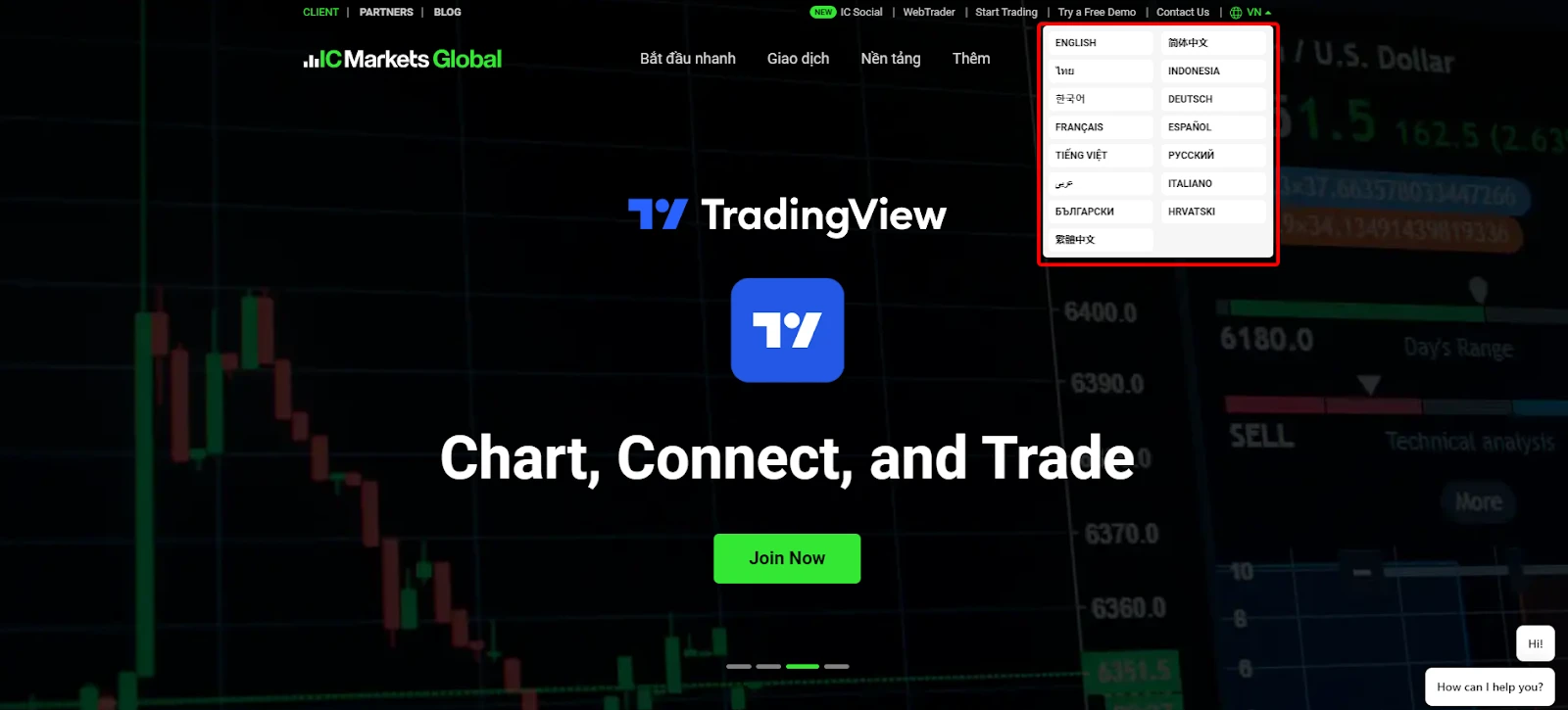
Lately, quite a few Vietnamese traders have been looking for a new IC Markets login link because the old address is no longer convenient. Reaching the right page matters more than it seems, especially for someone who has just opened an account. They need a reliable link to enter the client area, download MT4, MT5 or cTrader, and handle deposits and withdrawals. Since mid-May, the IC Markets support link for Vietnamese traders has moved to a new address.
The sections that follow show which way into IC Markets to use, why the old link should be dropped, the four login steps, how to receive backcom on a new account and the signs that separate a genuine link from a fake one.
Which way into IC Markets
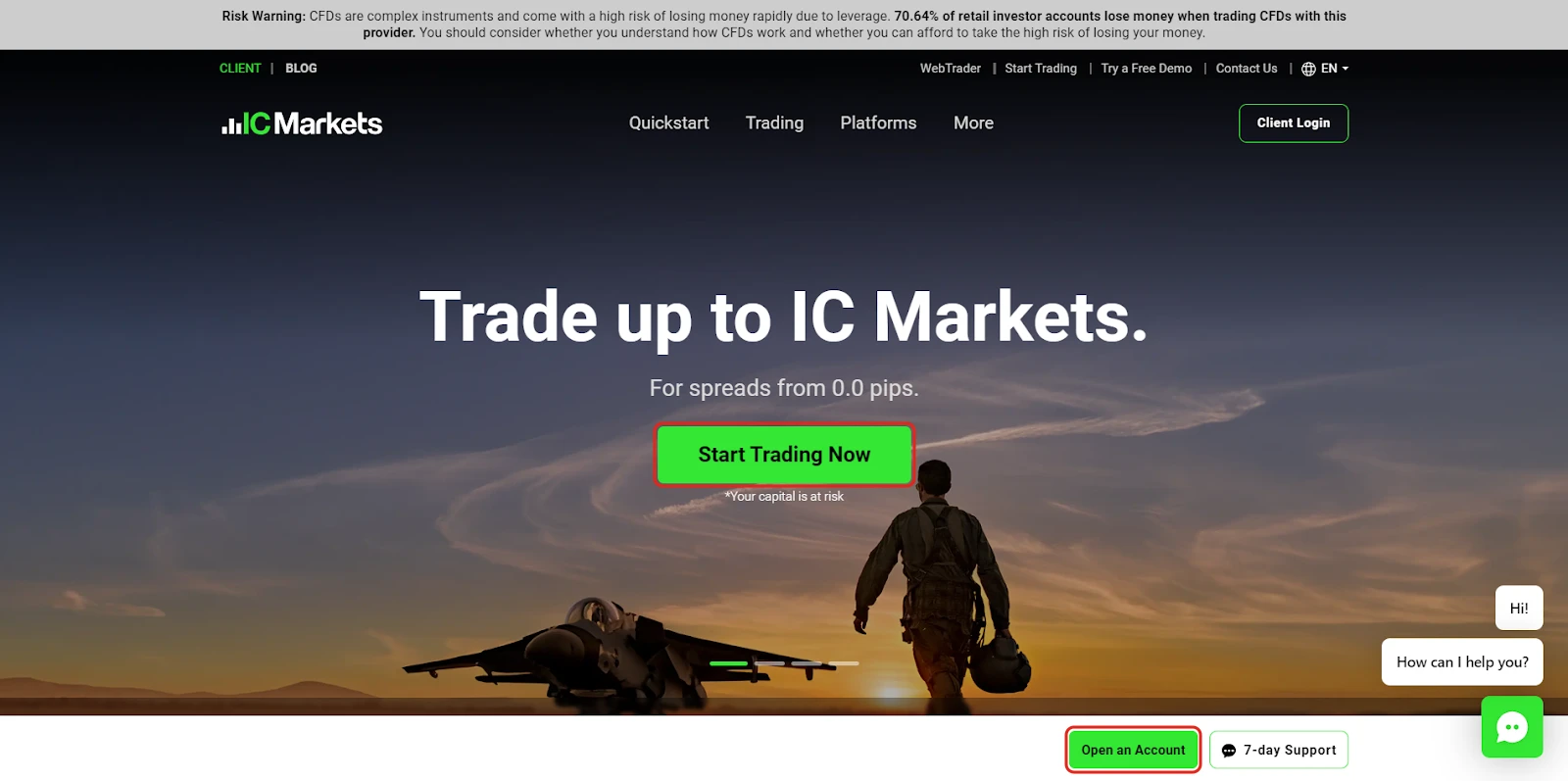
Vietnamese traders currently have two safe entry points. The first is the broker's official website at https://www.icmarkets.com/, which has both the Client Area login button and the account opening button. The second is the IC Markets sign-up button on the BackcomHub home page, which always points to the current link.
The two differ in one respect. The BackcomHub button carries IB code 91994, so an account opened through it joins the rebate programme from the start. By contrast, a trader who only needs to log in to an existing account can go straight to the official website, because logging in does not change who referred the account.
Why the old link should go
Using the new link spares traders many small problems while they use their account. For newcomers, an old or wrong link can leave them unsure where to log in, where to open an account or how to ask for help. Specifically, switching to the new link brings six benefits:
- no landing on a link that is no longer supported;
- opening an IC Markets account correctly through the BackcomHub system;
- easier help in Vietnamese;
- less risk of ending up on a fake website;
- easier guidance with login, funding or verification errors;
- correct tracking of the account if the trader wants a rebate, also called backcom.
In forex and CFD trading, checking the link before logging in is a must-have habit, because the account holds real money. For that reason, traders should not click unknown links sent through messages, Telegram groups, Facebook or websites of unclear origin.
Four steps to log in via the new link
For traders who are not yet used to the process, getting into the account through the new link takes four steps. They are best done in order, since each step depends on the result of the one before.
Step 1: Open the new IC Markets link
First, the trader opens the official IC Markets website or clicks the IC Markets button on the BackcomHub home page. Once the page has loaded, it is worth checking the domain in the address bar to be sure it is the right site.
Step 2: Choose login or account opening
Traders who already have an IC Markets account choose the login option, or the client area, to enter their account. Those without an account choose the account opening option instead. The form then asks for personal details, email, phone number and the type of account wanted.
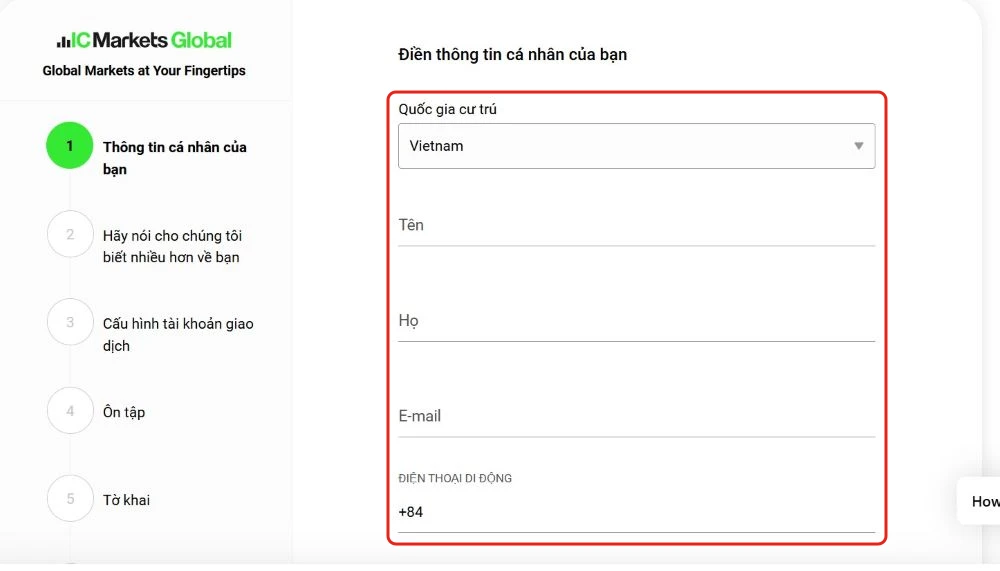
Step 3: Enter email and password
For an existing account, the trader types the email and password used at sign-up. Before clicking, it helps to check the email, password and keyboard input mode, because a Vietnamese input method often changes characters in a password.
A trader who has forgotten the password can reset it with the forgotten password function. However, nobody else should be asked to log in on the trader's behalf, and passwords should never be sent to anyone by message.
Step 4: Review the client area
Once inside, the trader uses the client area to view accounts, deposit, withdraw, download trading software or update the profile. For example, the document upload section also sits here, so this is where the trader returns whenever the broker asks for verification.
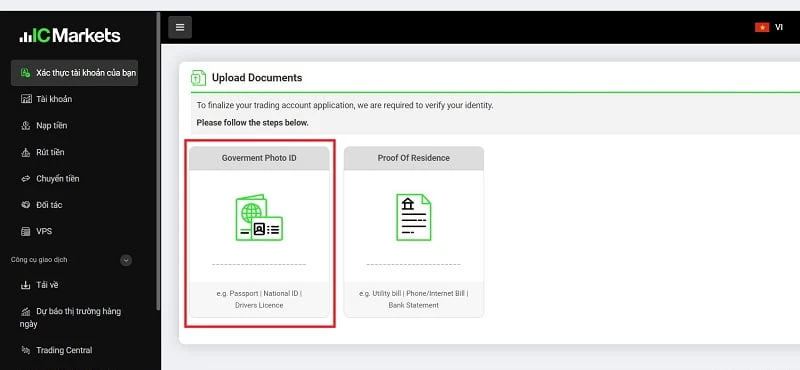
If no trading account appears or a login error comes up, the trader can ask BackcomHub via the Telegram or email listed on the home page. In that case, a screenshot of the error is usually enough to check each step together.
Which link to use without an account
Traders without an IC Markets account should open one through the IC Markets button on the BackcomHub home page, because that link already carries IB code 91994. By going the right way, they get guidance through registration, verification, software download and common errors.
Traders still unsure which account type to choose can ask BackcomHub for a suggestion based on how they trade. A cost comparison is available in Standard vs Raw Spread accounts.
Is backcom paid on a new account
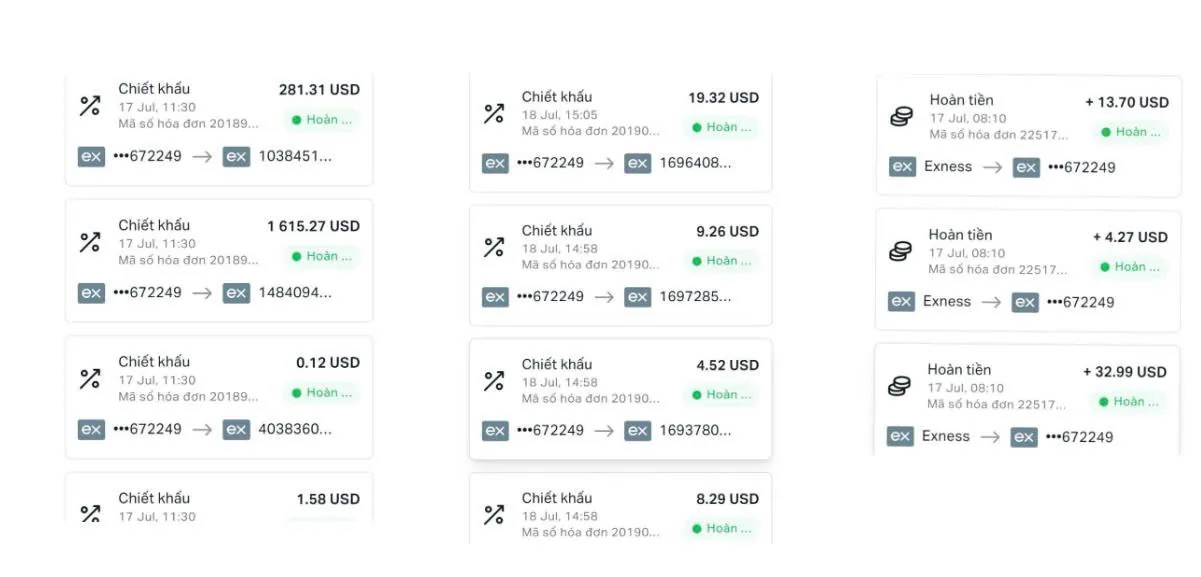
Yes, provided the account is opened through the BackcomHub link and the broker records the IB correctly. The trader then receives backcom at one flat rate for all symbols, split by account type. Figures dated 18/10/2026, paid daily:
| Account type | Rebate (USD/lot) |
|---|---|
| Standard | 4 |
| Raw Spread | 2 |
The calculation is simple: multiply the number of eligible lots by the rate for the account type. For instance, a trader who trades 50 eligible lots on a Raw Spread account receives about 50 × 2 = 100 USD. If the same 50 lots are traded on a Standard account, the expected rebate is 50 × 4 = 200 USD.
Even so, backcom only offsets part of the trading cost and is no reason to overtrade. The Standard rate is higher partly because that account's base cost is also higher, so traders need to compare net cost. The general idea is covered in what is backcom.
BackcomHub is an IB of the brokers listed on the site, including IC Markets, and receives IB commission from them; the rebate paid to traders comes out of that commission. An account opened directly with the broker can still be moved to IB 91994, as described in how to switch IB.
Spotting a safe IC Markets link
Because a trading account holds real money, traders need to be careful every time they open a login page. Before entering an email, password or personal details, the link should be checked against six rules:
- do not log in through a link sent by someone unknown;
- do not type a password into a page that looks like IC Markets but has an odd domain;
- do not give an OTP code, email password or bank password to anyone;
- do not download files of unknown origin;
- keep the official link saved for reuse;
- when a link looks fake, ask the support team before logging in.
Put simply, a safe link is one the trader saved from an official source, not one someone has just sent by message. If the saved link is lost, the trader can go back to the official IC Markets website or the IC Markets button on the BackcomHub home page.
Frequently asked questions
What is the latest IC Markets login link?
The official IC Markets address is https://www.icmarkets.com/, from which traders reach the client area. To open a new account with backcom, traders use the IC Markets button on the BackcomHub home page.
Does an account opened via the new link get backcom?
Yes, when the account is recorded under BackcomHub's IB 91994. The current rates are 2 USD/lot for Raw Spread and 4 USD/lot for Standard.
What if logging in to IC Markets fails?
First, the trader checks the email, password, browser and the link in use. If the error persists, the trader can send a screenshot to BackcomHub via the Telegram or email on the home page for guidance.
Should the IC Markets login link be saved?
Yes, because a saved copy of the new link keeps traders away from old links or links of unclear origin.
Key points
For Vietnamese traders, the correct IC Markets login link is basic but well worth keeping. With it, getting into the account is smoother, wrong links are rarer and help is easier to get when something goes wrong. To open an account, enter the client area, download MT4, MT5 or cTrader or check backcom, traders can contact BackcomHub via the Telegram or email listed on the home page.
Sources
- IC Markets, official website: https://www.icmarkets.com/
- BackcomHub rebate table, IC Markets figures dated 18/10/2026, sourced from dctoptrade.vn
- DCtoptrade (screenshots): https://dctoptrade.vn/