XM Deposits and Withdrawals
The payment channels XM accepts, step-by-step deposits and withdrawals on the website or app, processing times per channel and the return-to-source rule.
Once an XM account is open, the next job for a trader is to put money in to trade with, and later to take money out after a profit or when cash is needed. Both tasks sound simple, yet one small slip, such as picking the wrong channel, mistyping an account number or withdrawing to a bank other than the one used to deposit, is enough to have a request held for several days. In 2026 XM is still adding payment channels and tightening verification, so knowing the correct procedure keeps money moving quickly and avoids trouble.
The sections that follow cover the channels XM uses to receive and pay out funds, then walk through each deposit step and each withdrawal step in the members area. They finish with processing times per channel, the most common mistakes and a few questions new traders tend to ask.
Which channels XM accepts for deposits
XM lets clients fund accounts in several ways, so each trader can pick a channel that suits their bank and habits. The main groups are:
- Visa or Mastercard cards: funds reach the trading account almost as soon as the card payment is confirmed.
- E-wallets such as Skrill, Neteller or SticPay: quick to use and convenient for people who often move money internationally.
- Domestic bank transfer: suited to larger amounts, usually taking 1–3 business days depending on the bank.
- Other online payment gateways: this list varies by country, so traders in different places will see different options.
On fees, XM does not charge for deposits. However, the card issuer or e-wallet provider may still apply its own charges, so traders should check the fee schedule of the channel they use before sending money.
Which channels XM uses for withdrawals
Withdrawal channels at XM usually mirror deposit channels. This keeps the flow of money transparent and helps the broker control the risk of an account being taken over by someone else. Each channel has its own timing:
- Bank card: money is refunded to the same card used for the deposit, taking roughly 2–5 business days.
- E-wallet: usually the fastest route, sometimes arriving within 24 hours.
- Bank transfer: often used for large sums, and it can take 2–7 business days.
The key point is the rule of withdrawing to the deposit method, known in English as "withdrawal to deposit method". XM applies it to strengthen security and to comply with anti-money-laundering (AML) rules, which require financial firms to know where money comes from and where it goes. In other words, a trader who deposited by card has the matching amount returned to that card, while a trader who deposited by bank transfer receives funds back in that same bank account.
Five steps to deposit at XM
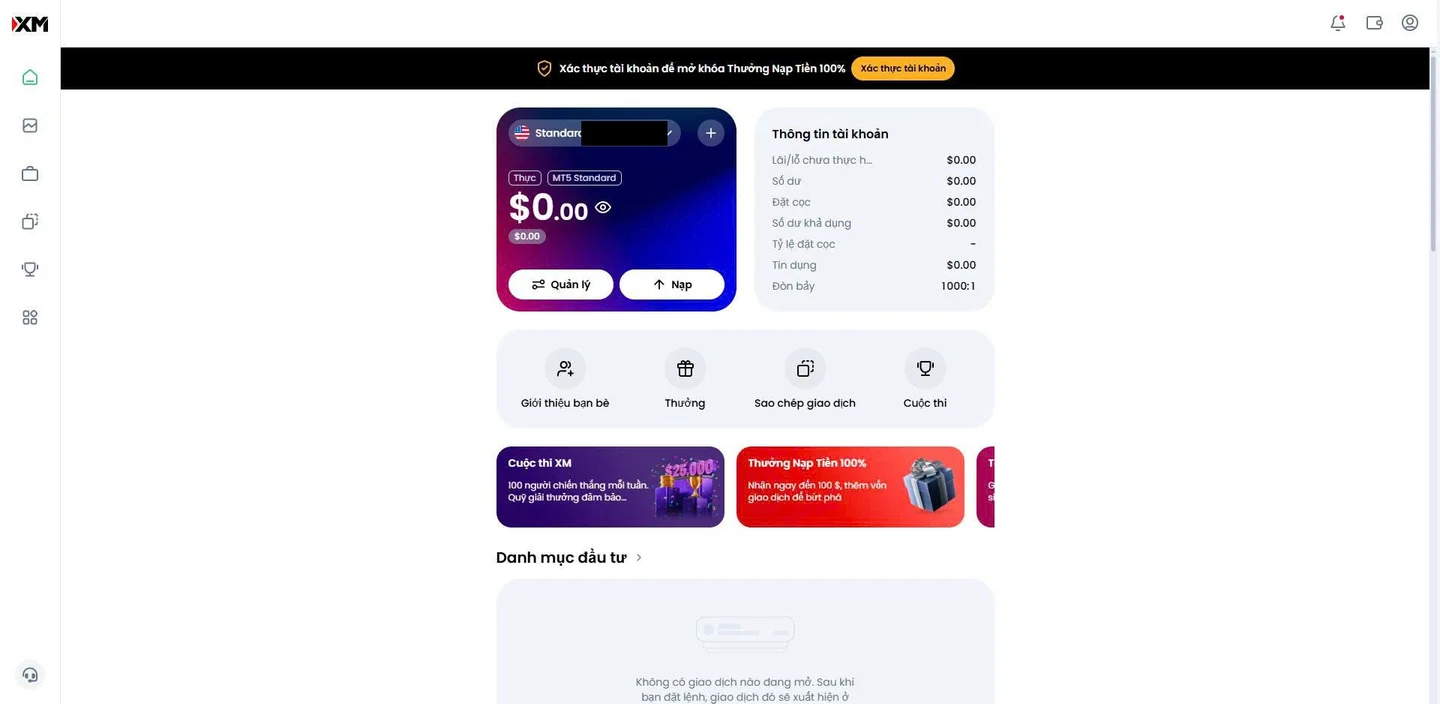
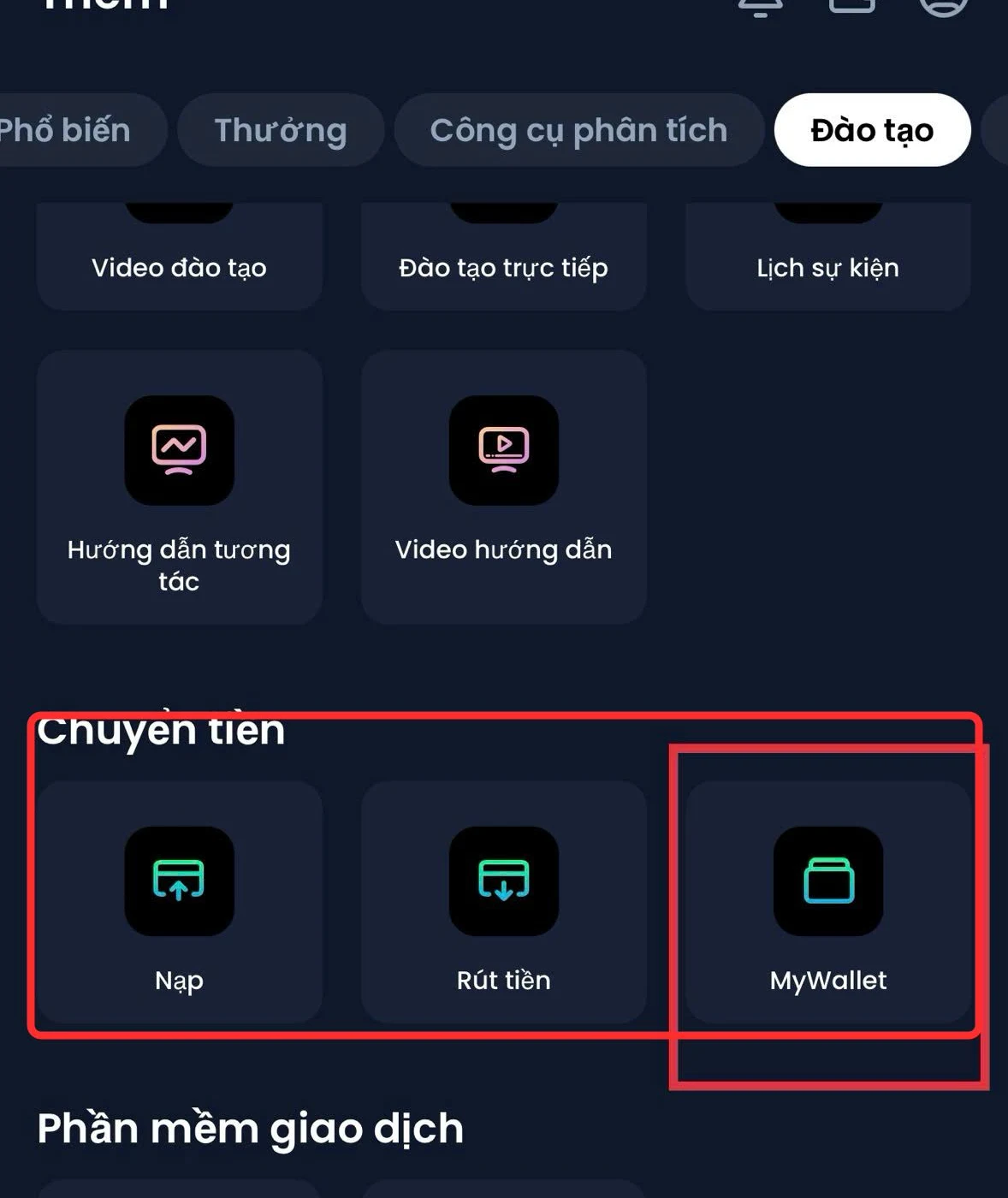
Depositing takes five steps, and they are the same on the website and in the XM app. On a phone, deposits and withdrawals sit in the More menu, under the Transfers group.
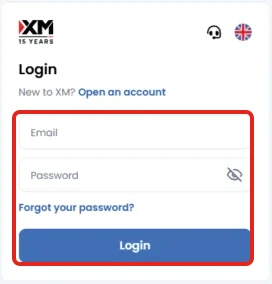
Step 1: Log in to the members area
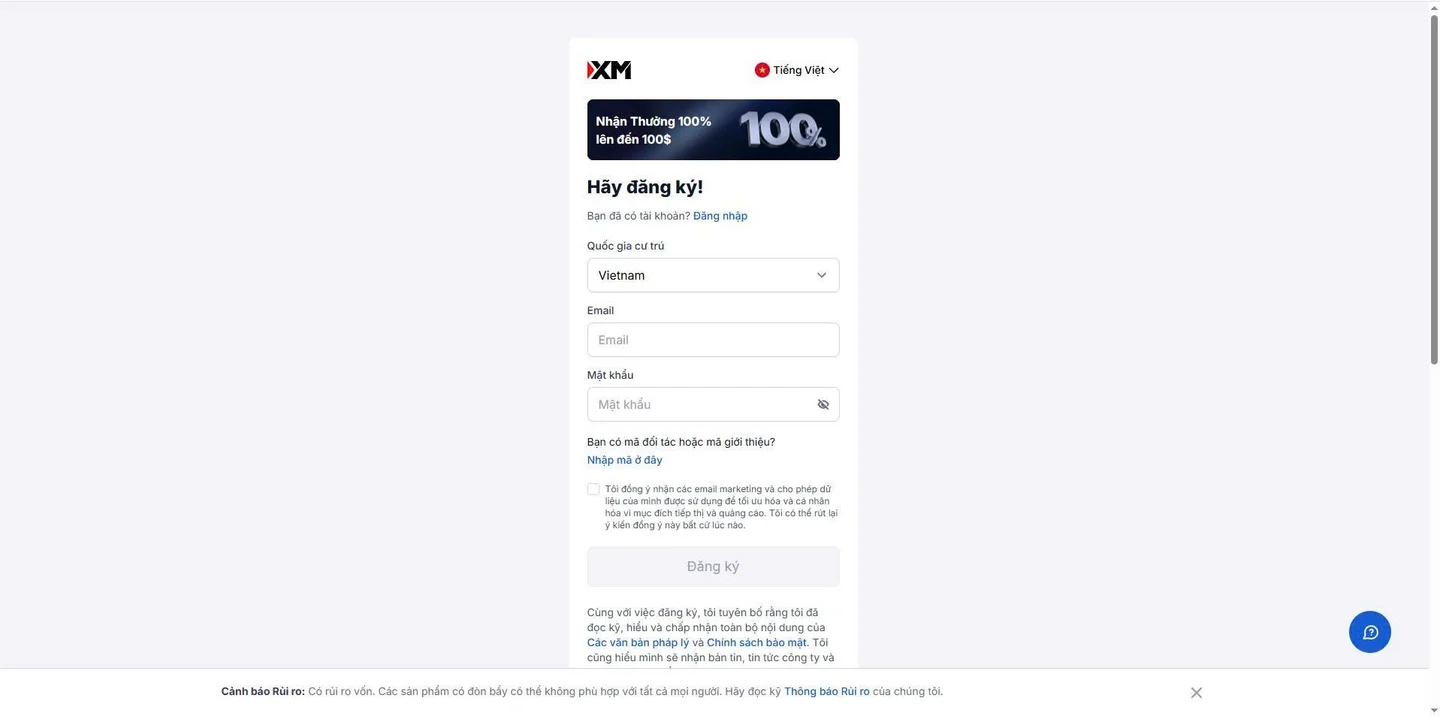
The trader goes to XM's official website or opens the XM app, then logs in with the email and password used when opening the account. Anyone without an account needs to register first. For new accounts XM may run client offers, such as a 30 USD bonus, depending on the promotion active at sign-up. Traders who want rebates open the account through the XM link on BackcomHub and enter partner code BACK100 when the form asks. The current rebate is 8.1 USD per lot of EUR/USD on Standard & Micro accounts and 3.15 USD on Ultra Low, according to the BackcomHub rebate table dated 10 November 2026, paid daily. Rates for each symbol are listed in the XM rebates guide. BackcomHub is an IB for the brokers listed on the site, including XM, and receives IB commission from them.
Step 2: Choose a deposit channel
After logging in, the trader taps the "Deposit" button on the main screen. A list of channels appears, covering cards, e-wallets and bank transfer, and the trader selects the one they intend to use.
Step 3: Enter the payment details
Each channel asks for its own set of details. For bank transfer, the usual fields are:
- Bank: the bank the money will be sent from.
- Amount: entered in VND, with the system converting to USD at the rate at the time of the transaction.
- Internet Banking: the trader may also need to provide a bank account number, or scan a QR code generated by the payment gateway.
Step 4: Confirm the deposit
Before submitting, the trader should check every detail again, especially the amount, since it is easy to add or drop a digit there. Once sure, they press "Confirm" to send the request. With Internet Banking, the system then moves to the bank's payment gateway or shows a QR code for the trader to scan with their banking app.
Step 5: Wait for the completion notice
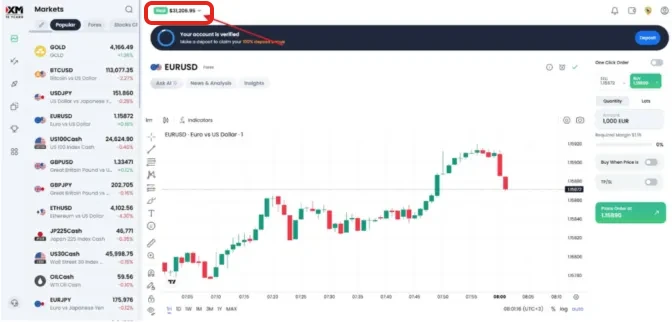
When the transaction succeeds, XM sends an email confirming receipt, and the new balance appears at the top of the trading screen. How quickly funds arrive depends on the channel:
- Credit cards and e-wallets: almost instant.
- Bank transfer: usually 2–5 business days, depending on the bank.
The 2–5 day figure here is longer than the 1–3 days given in the section on deposit channels. The two do not contradict each other, because 1–3 days is the typical processing time, while 2–5 days is a safer allowance when a bank is slow or a request falls over a weekend.
Four steps to withdraw from XM
Withdrawing takes one step fewer than depositing, but the details must match more strictly. The reason is that XM compares where the money is going with where it came from.
Step 1: Open the withdrawal section
The trader logs in to the members area on the XM website or app. On the main screen, they press the "Withdraw" button to begin.
Step 2: Choose a channel and fill in details
The withdrawal channel should be the one used for the deposit, since that is both the safe option and a broker requirement. The trader then completes these fields:
- Bank: the bank that will receive the money.
- Account number: must match the account that sent the deposit to XM.
- Amount: entered in VND, with the system converting to USD.
Every field needs a second read before submitting. One wrong digit in the account number can get the request returned, forcing the trader to start over.
Step 3: Submit the request
When the details match, the trader presses "Request" to send the withdrawal. From that point XM processes it through the chosen channel, and the status appears in the account's transaction history.
Step 4: Track the payout
Typical times to receive funds by channel are:
- E-wallet: almost immediate, at most around 24 hours.
- Credit or debit card: 2–5 business days.
- Bank transfer: 2–5 business days.
In the section on withdrawal channels, bank transfer was given as up to 2–7 days. Traders should therefore read 2–5 days as the common case, while large requests or ones that hit public holidays can stretch to 7 business days.
Points to watch when withdrawing
The first withdrawal usually takes longer than later ones. That is because XM needs to verify the account (KYC), meaning it checks identity documents and personal details before paying money out. Traders should therefore finish verification early rather than uploading documents only when they urgently need cash.
The receiving account must be the same as the depositing account. This is a condition of XM's anti-money-laundering policy, so a withdrawal to a different bank is usually rejected or triggers a request for further explanation.
When a withdrawal is stuck for a long time or runs into problems, traders contact XM support by live chat or email. A message should include the account number, the time the request was sent and the amount, so staff can find the right transaction faster. For questions about code BACK100 or rebate payments, traders can ask BackcomHub via the Telegram or email listed on the home page.
Frequently asked questions
How can money be deposited into XM?
XM accepts funds by bank card, by e-wallets such as Skrill or Neteller, and by bank transfer depending on the country. Traders choose a channel in the "Deposit" section after logging in to the members area.
How long does a withdrawal take?
E-wallets are almost instant, while cards and bank transfers usually take 2–5 business days. The first withdrawal can be slower, because XM still has to verify the account.
Can funds be withdrawn to a different bank account?
Normally not. XM requires withdrawals to go to the same method and the same account used for deposits, to protect clients and comply with anti-money-laundering rules.
Key points
Deposits and withdrawals at XM both run through the members area, under the same principle that money goes back to where it came from. As a result, a trader who picks the right channel from the first deposit avoids much of the hassle when withdrawing later. Whether using a card, an e-wallet or a bank transfer, checking the amount and account number before pressing submit remains the best way to keep the account safe.
Knowing each channel's processing time also helps traders plan cash flow, for instance not waiting until the day money is needed to request a bank-transfer withdrawal. Because XM's payment conditions can change by region and over time, traders should check again on XM's official website before moving large amounts.
Sources
- XM, official website (payment methods and terms): https://www.xm.com/
- BackcomHub rebate table, XM figures dated 10 November 2026, data from dctoptrade.vn
- DCtoptrade (screenshots): https://dctoptrade.vn/