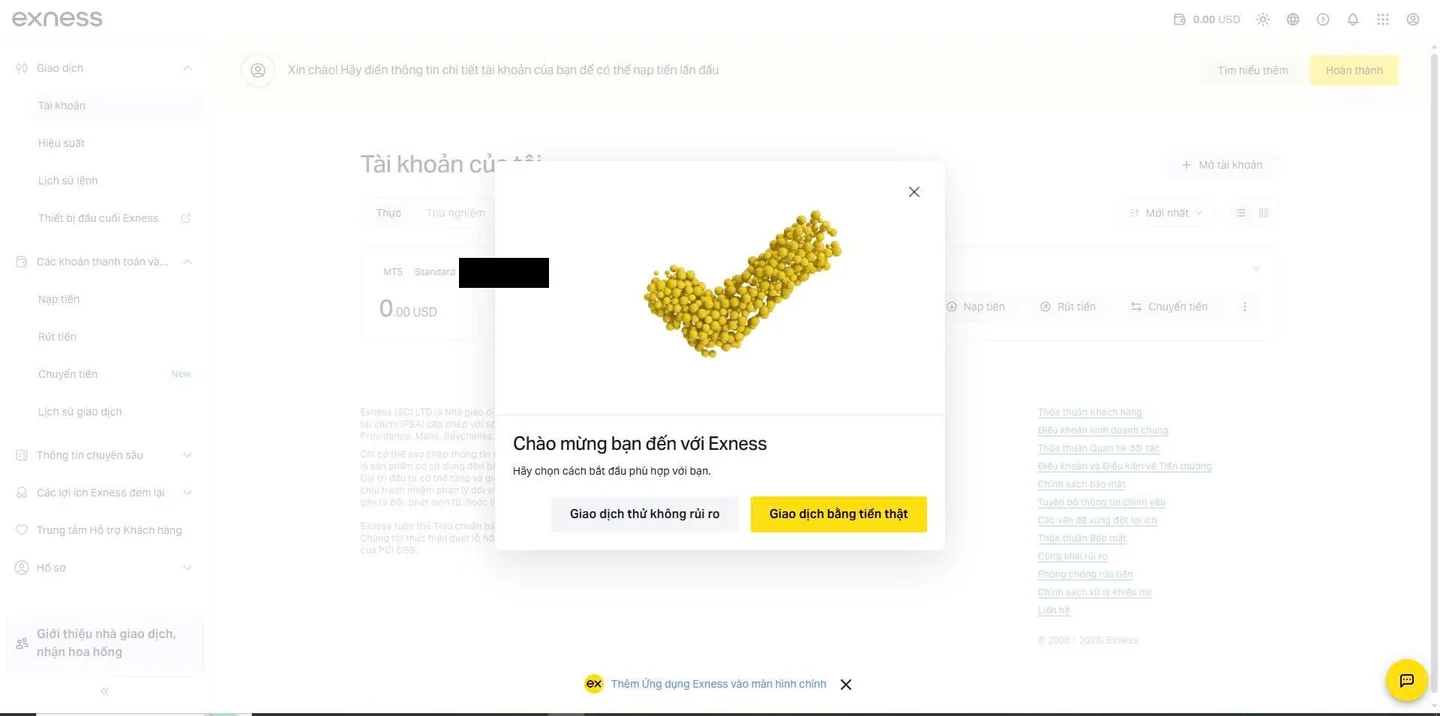
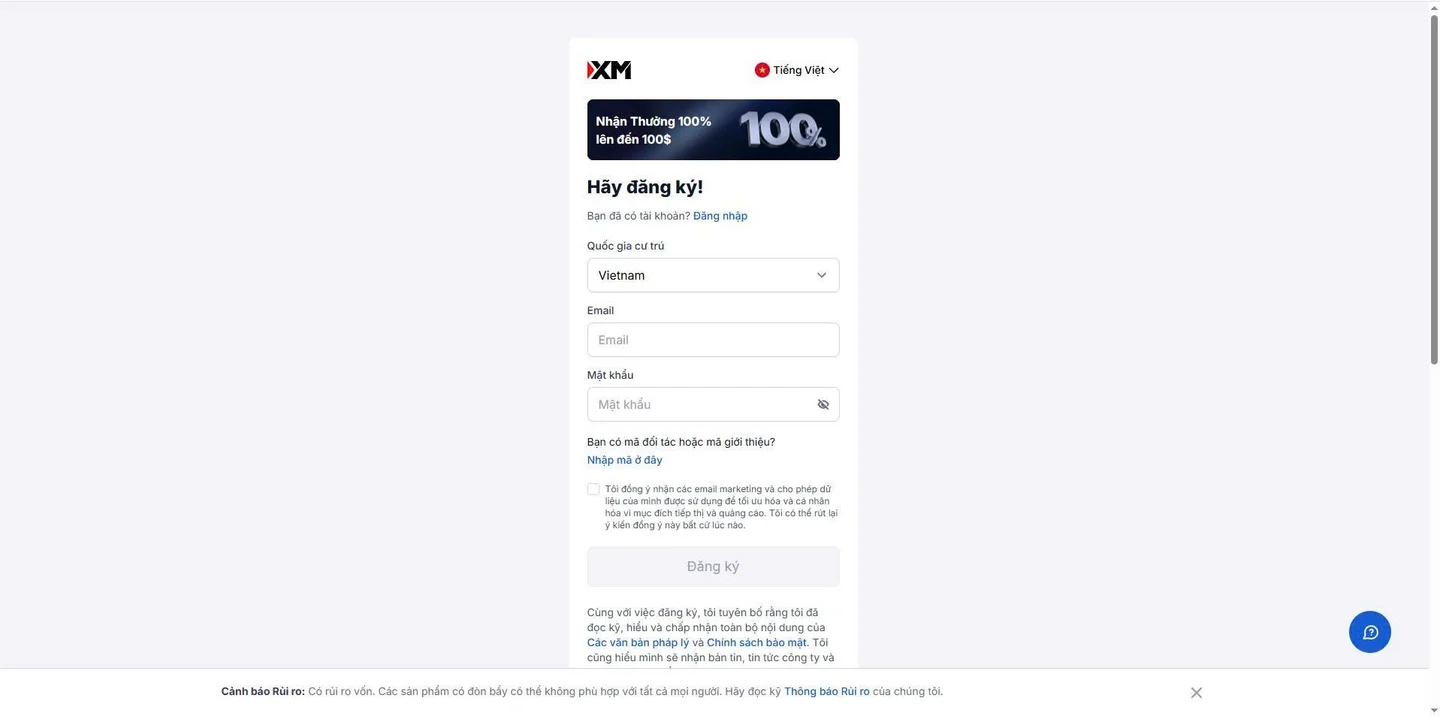
Exness Changes Its Login Link
Why the Exness login link keeps changing in Vietnam, how to check a new link is genuine, logging in on desktop and mobile, fixing access errors and fake pages.
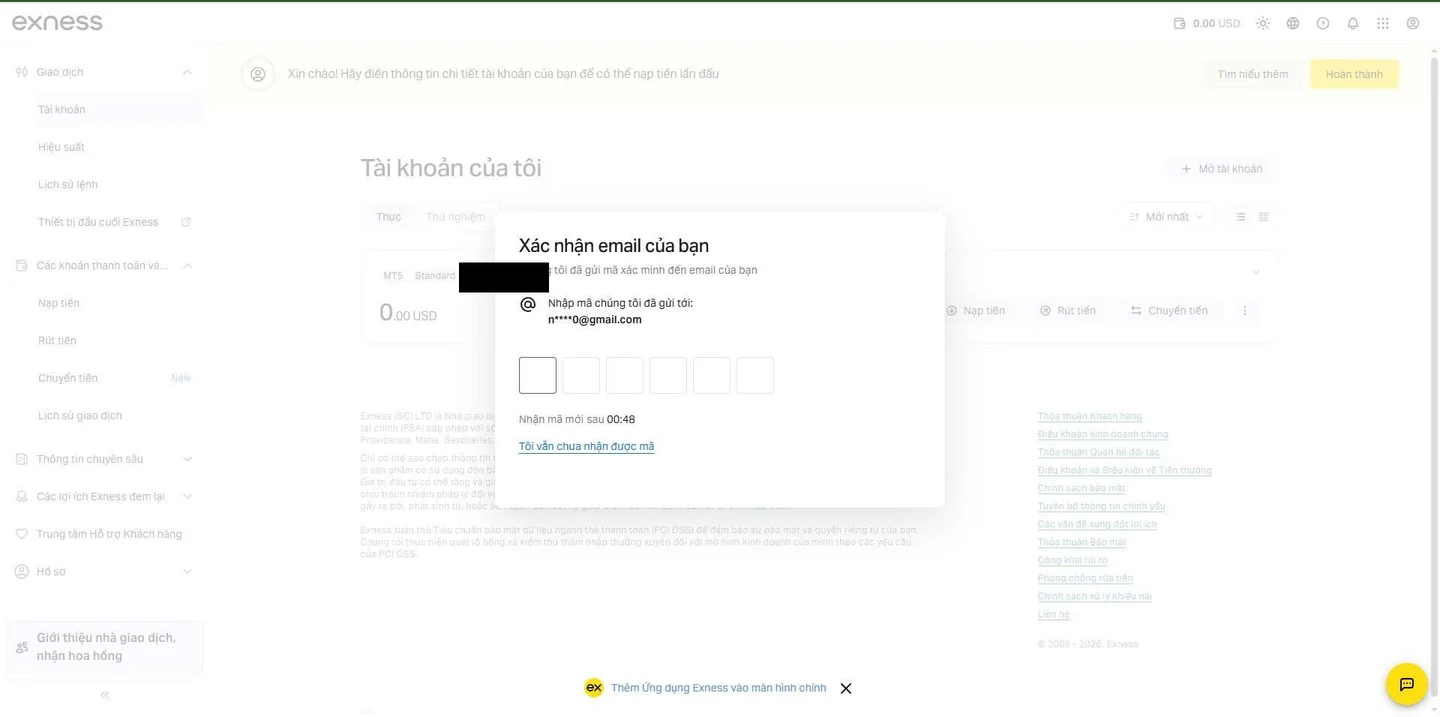
Many Vietnamese traders have opened the familiar address for Exness only to see the browser report that the site cannot be reached. Usually nothing is wrong with the account. The cause is that some local internet providers block the domains of Forex/CFD websites, so the old address stops working and Exness has to issue a replacement.
The sections that follow explain why Exness changes its login link, how to tell that a new link is genuine, and how to get into the account on a laptop or a phone. They end with the steps to try when the page will not open, the signs of a fake page and a few common questions.
Exness and the changing address
By trading volume, Exness is among the largest Forex/CFD brokers today. In Vietnam it is familiar to many traders for fast execution and solid liquidity. However, because of how some countries, Vietnam included, regulate the internet, the broker's main web address is often blocked at the provider level. When that happens, typing the old address correctly still leads nowhere.
To keep traders from being cut off for long, the broker regularly publishes backup login addresses. This happens not only with Exness but with almost every Forex broker that has clients in Vietnam. Readers who want to know how trustworthy and legitimate the broker is can turn to the Exness review.
Why the login link changes
The main reason is that local internet providers block the web address. A changed link does not stem from a fault at the broker, nor does it mean anything has gone wrong with the trader's account. Specifically, an address usually stops working for one of these reasons:
- Vietnamese rules on websites dealing with foreign exchange and financial trading;
- internet service providers (ISPs) blocking automatically from a list refreshed on a schedule, a list that does not separate good brokers from bad ones;
- short-lived technical faults, or an attack on the broker's server infrastructure;
- the old address being reported by many people at once, so the provider blocks it even though the broker broke no rule.
A blocked address causes traders three problems. First, reaching the account through a browser becomes hard or impossible. Second, without a new link in time, monitoring open positions is interrupted. Third, and most dangerous, a trader hunting for a replacement can easily click a fake address circulating in online groups where nobody knows who posted it.
Checking a new login link
Genuine Exness addresses are published in three places: the broker's main website, emails Exness sends to traders, and partners Exness officially works with. Traders should therefore take links only from those three places rather than searching at random on Facebook or in chat groups. Before typing an email and password into any page, three things are worth checking:
- the address bar shows the padlock and HTTPS, and the browser gives no warning that the page is unsafe;
- the domain matches, character for character, the address announced by Exness or by the IB managing the account;
- the link does not come from a public chat group, a Telegram group or an anonymous comment.
If any of the three fails, the page should be closed straight away. Also, a login link only serves existing accounts; anyone without an account needs to sign up first, which is covered in Exness backcom and claiming it via an IB.
It also helps to tell a login link apart from a partner link. The login link is the door for people who already have an account, while a partner link is the sign-up address Exness gives IBs. Exness moved its partner links to a new domain in September 2025, a change described in Exness changes its partner link.
Logging in with the new link
Logging in through a new link works exactly like the old one, with only the domain different. Verification steps are unchanged, so traders have no extra formalities to complete.
On a computer
On a computer, traders log in through the browser in four steps:
- Open the address that has passed the three checks in the previous section.
- Type the email and password used when the Exness account was opened.
- Enter the 2FA code (two-factor authentication, a second code on top of the password) if it is switched on.
- Once inside the Personal Area, look over the balance and past trades to be sure everything is intact.
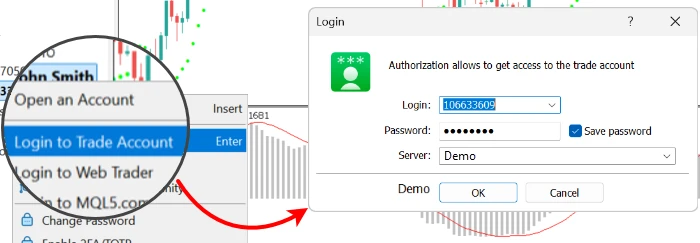
Traders who use MetaTrader on a computer do not need the web link to place orders, because the software logs in directly with the account number, password and server name. The right version for each account type is covered in MT4 Exness download and MT5 Exness download.
On a phone
On iOS and Android, the simplest route is the app. Traders follow three steps:
- If the phone does not have it yet, install Exness Trade or MetaTrader from the app store (App Store, Google Play).
- Open the app and enter the account details; this step needs no web link at all.
- Let the app connect on its own to a valid Exness server.
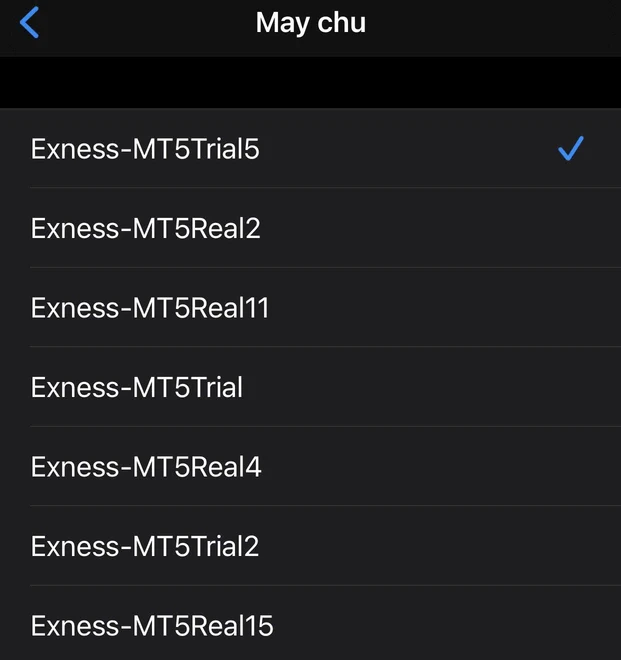
The app does not go through the web domain, so a provider blocking the page in the browser does not affect it. That is why the app is the best fallback whenever the web link stops working.
When the link will not open
Failing to reach the login page is not necessarily an account problem. The usual culprits are the network connection, old data held by the browser, or an address that has just been blocked before the broker has issued another. Traders should therefore try the following in order:
- Check the internet connection; if a VPN is on, switch it off and on again, since an unstable VPN can also cause access errors.
- Clear the cache and cookies and reload the page, because a "site cannot be reached" message is sometimes caused only by stale stored data.
- Open the page in a different browser, or switch to the Exness Trade or MetaTrader app on a phone.
- If nothing works, message Exness Live Chat, which runs around the clock and has Vietnamese-speaking staff.
Traders who signed up through BackcomHub can also ask for the latest link via the Telegram channel or email listed on the home page. When the error keeps returning, or for help with other account matters, the Exness contact channels are gathered in the fastest ways to contact Exness support.
The risk of fake links
A fake Exness page threatens the money in the account directly; it is not merely a nuisance. Scammers build it to look exactly like the real login screen in order to harvest emails and passwords. With those two details, they can enter the account and withdraw funds.
A fake page usually gives itself away through a few signs. First, the address differs from the real domain, often by just one or two characters. Next, the HTTPS certificate is missing or looks odd. In addition, the layout may have display glitches or not match the genuine Exness design. Finally, the page asks for sensitive data on the very first screen, skipping the usual verification steps.
For protection, traders should save the official link as a browser bookmark and always enter from there. Beyond that, links sent privately by strangers should never be clicked, even when the sender claims to be Exness staff. Most important of all is turning on 2FA, because the second code still stops intruders if the password leaks.
Rebates when the link changes
Some traders who receive rebates worry that a new login link will cost them their benefits. In reality, the rebate is not tied to the address used to reach the account. It depends on which partner code the account was linked to at sign-up, so a new link changes nothing.
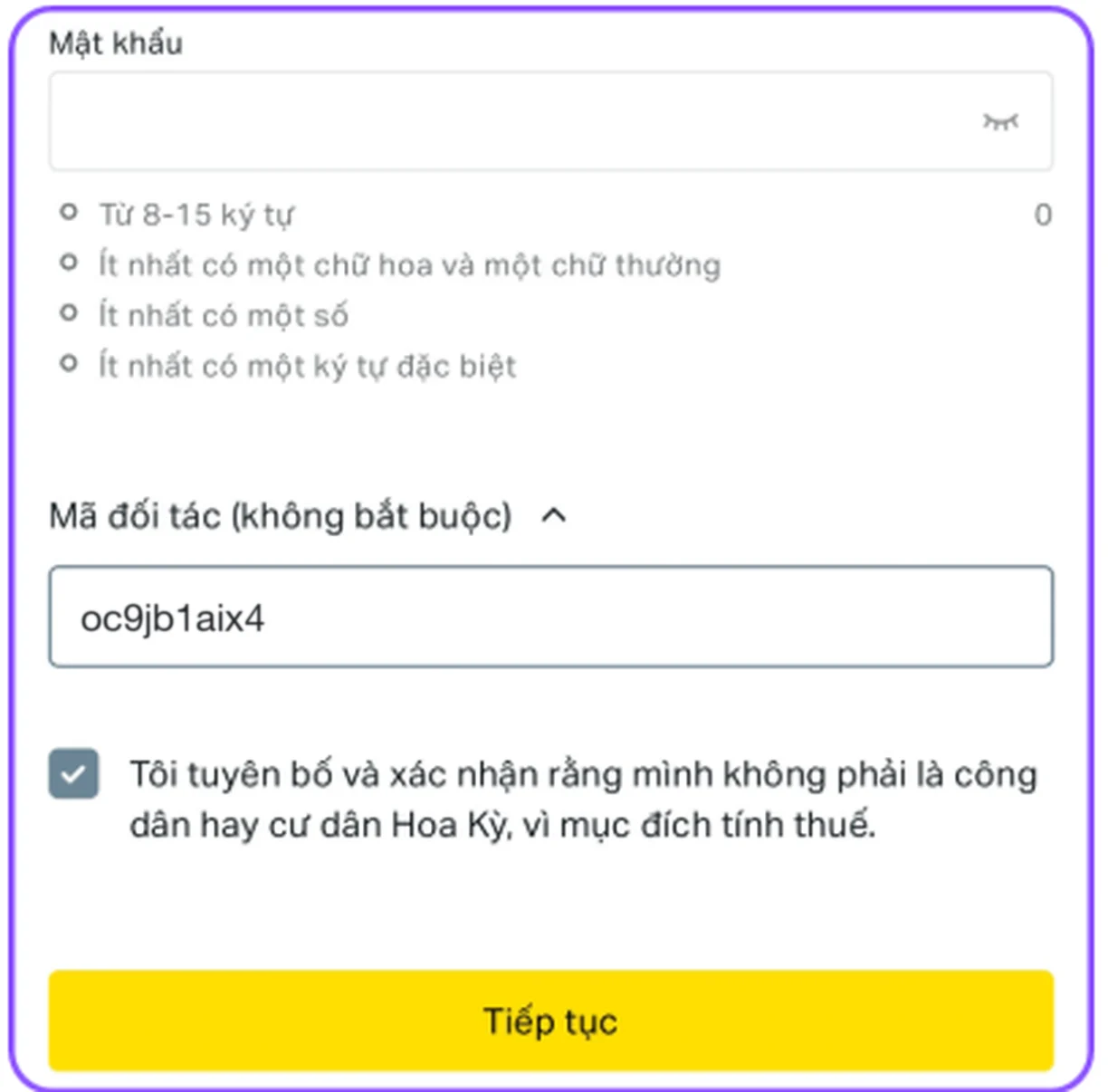
BackcomHub is an IB of the brokers listed on the site, Exness among them, and earns IB commission from these brokers. Traders opening a new account can enter the code oc9jb1aix4 in the partner code field so that the account is credited to the right referrer. Rebate rates by account type are listed in Exness rebates.
Frequently asked questions
Why does Exness keep changing the link?
Mostly because the web address is blocked in Vietnam, sometimes combined with short-lived technical faults at the broker. None of this suggests the broker has legal or financial trouble.
Which link is genuine?
A genuine link is one taken from the Exness home page, from an email the broker sends to the registered inbox, or from the IB managing the account. By contrast, links casually shared on Facebook or in chat groups are where fake pages turn up most often.
Are the balance and trade history affected?
No. A new link is just a different door, while the account and server system behind it stay the same, so the balance, trade history and all other data are kept intact.
Does the app need reinstalling when the web link changes?
No. Exness Trade and MetaTrader talk directly to the broker's servers rather than using the blocked web address, so they keep working normally.
Does Exness help when the link is blocked?
Yes. Exness Live Chat runs 24/7, offers Vietnamese and handles access problems too. Traders who signed up through BackcomHub can also ask for the latest link via the Telegram channel or email listed on the home page.
Key points
Exness changes its login link often because its web address is frequently blocked in Vietnam, and that says nothing bad about the broker or the account. The most important habit is checking where a link came from before typing a password. When the browser struggles, the phone app is the most reliable way into the account.
The guidance above deals only with access problems and is not investment advice.
Sources
- Exness, official website: https://www.exness.com/
- BackcomHub rebate table (Exness partner code), data from dctoptrade.vn
- DCtoptrade (screenshots): https://dctoptrade.vn/